Bill Gates, in one of his blog posts on AI, said this is the second biggest revolution in technology he has seen in his life. We are literally witnessing tech industry giants running a race. They aim to create the best and shiniest AI app interface. Their goal is to increase usage count and lead the industry.
There is a fine line between real and fake and it’s becoming bleak day by day. Yes, AI programs need to be given instructions and they would do only as good as our instructions are. But, as we become better at this, the line between fake and real will only become more invisible. It is both scary and exciting that AI can understand how people from different nationalities can look like. It can create images so close to humans.
AI image generation has revolutionized the way we create visual content, allowing us to transform text descriptions into stunning images with just a few clicks. This technology uses advanced machine learning algorithms to understand and interpret textual prompts, generating unique and often surprisingly accurate visual representations. The most important aspect to accurate image generation is how precise the prompt should be – that’s the human input after all 🙂 .
How AI Image Generation Works : from noise to art
AI image generators use a technique called diffusion. These models are trained on vast datasets of images paired with descriptive captions. The training process involves breaking down images into visual noise and then reversing this process, teaching the AI to reconstruct images from random pixels. The reconstruction creates a series of possible images.
When given a text prompt, the AI doesn’t simply piece together existing images. Instead, it uses its training to infer concepts like color, objects, and artistic style, creating entirely new images that are semantically consistent with the prompt. This process allows for the generation of novel, creative visuals that can match complex descriptions.
Top 5 Free AI Image Generation Apps
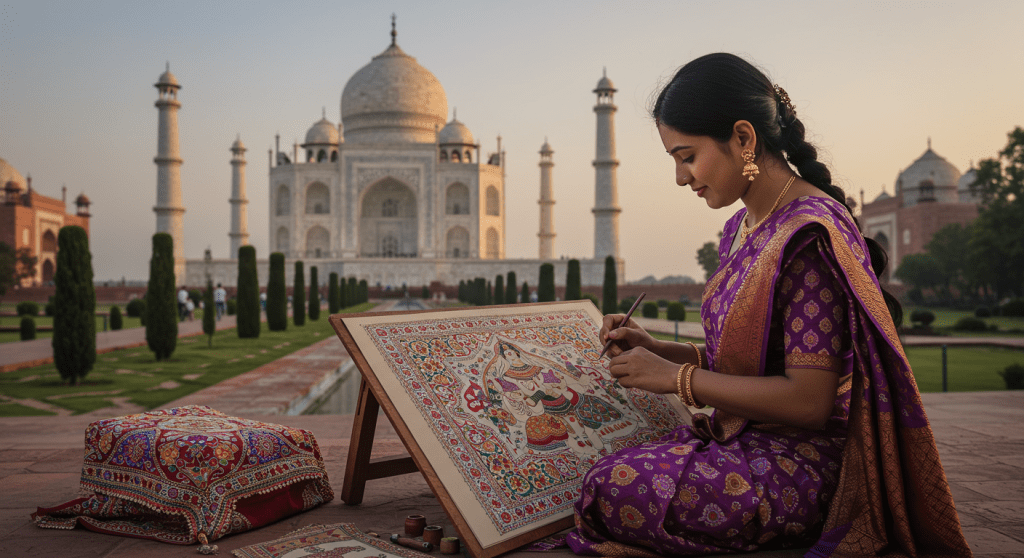
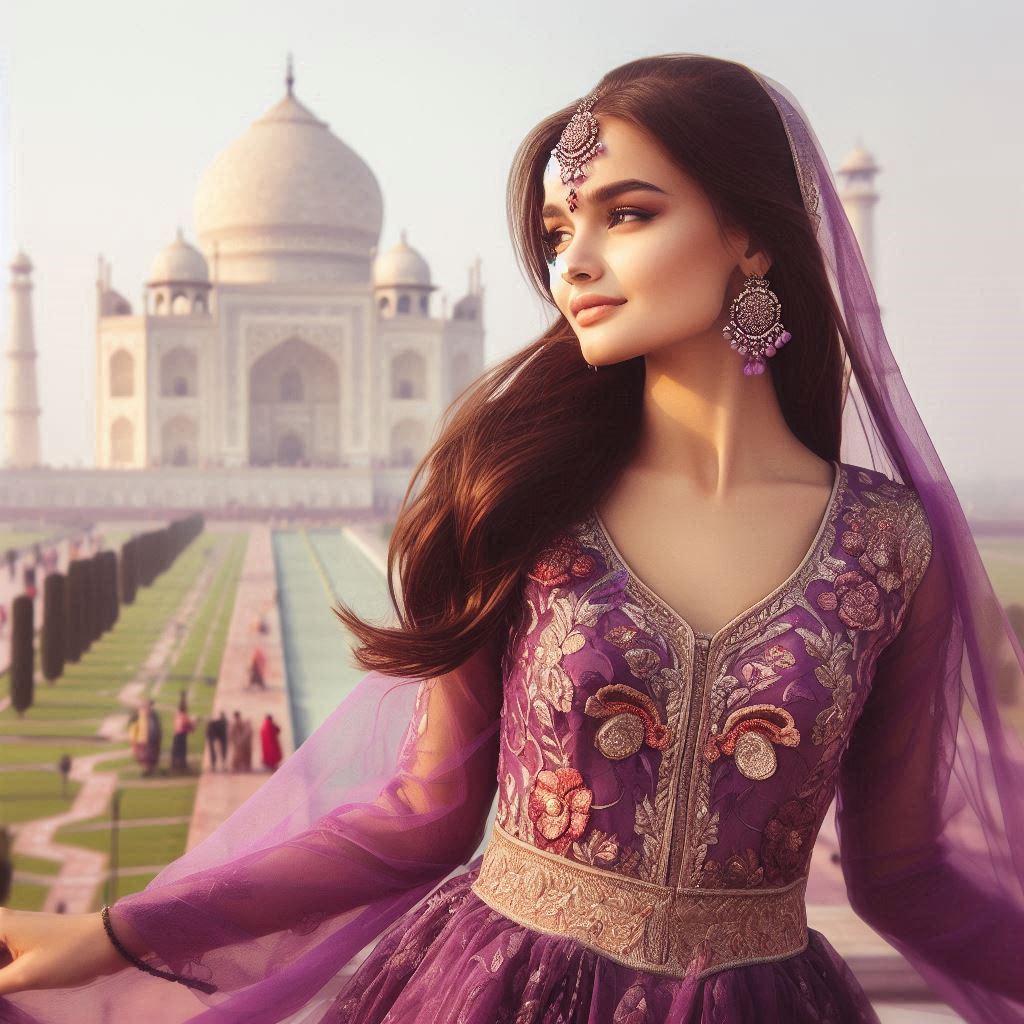
For all the images generated the prompt used was : Indian lady in purple with Taj Mahal in background.
Google’s ImageFX:
Powered by Imagen 3, ImageFX is currently the best overall free AI image generator. It offers high-quality outputs with impressive accuracy and speed.
Pros :
Free access, exceptional image quality, user friendly, SynthID technology (Each generated image is embedded with a digital watermark to verify its AI origin, ensuring transparency)
Cons :
Lack of editing features, Limited availability and language English only
Microsoft Designer’s Image Creator:
This tool provides free access to DALL-E 3 technology. It’s reliable, quick, and integrated with Microsoft’s Copilot, allowing for a seamless experience of generating images while chatting with the AI.
Best part about this tool was : it auto enhanced the prompt to : A graceful Indian lady dressed in a flowing purple dress, standing elegantly with the majestic Taj Mahal in the background. The scene is bathed in the warm, golden light of the setting sun, casting a soft glow on the marble monument and creating a serene and romantic atmosphere. The lady’s dress billows gently in the breeze, and her traditional jewelry glints in the sunlight, adding a touch of sparkle to the image.
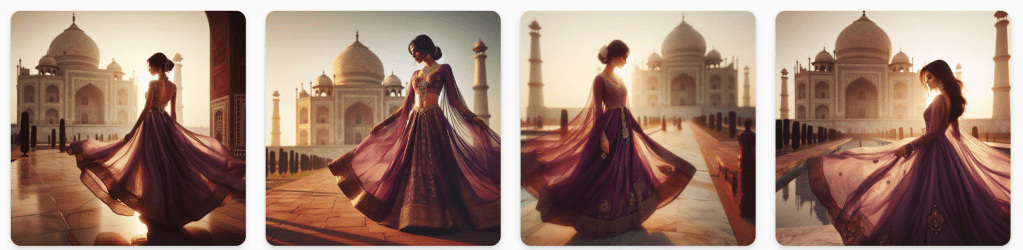
With the original prompt here’s the image :
Pros :
Enhance your prompt using integrated chat gpt, good for business use due to integration with Microsoft suite of Apps, Uses the advanced DALL-E 3 model for high-quality image generation, Seamless integration with Microsoft Copilot for follow-up requests, high resolution images, top quality
Cons :
Limited free image credits (60 total , each image takes 1 credit) – could be based on subscription model, minor distortions.
Leonardo AI :
Leonardo stands out as an exceptional free but limited credits AI image generator, offering comprehensive generation credits at high speed.
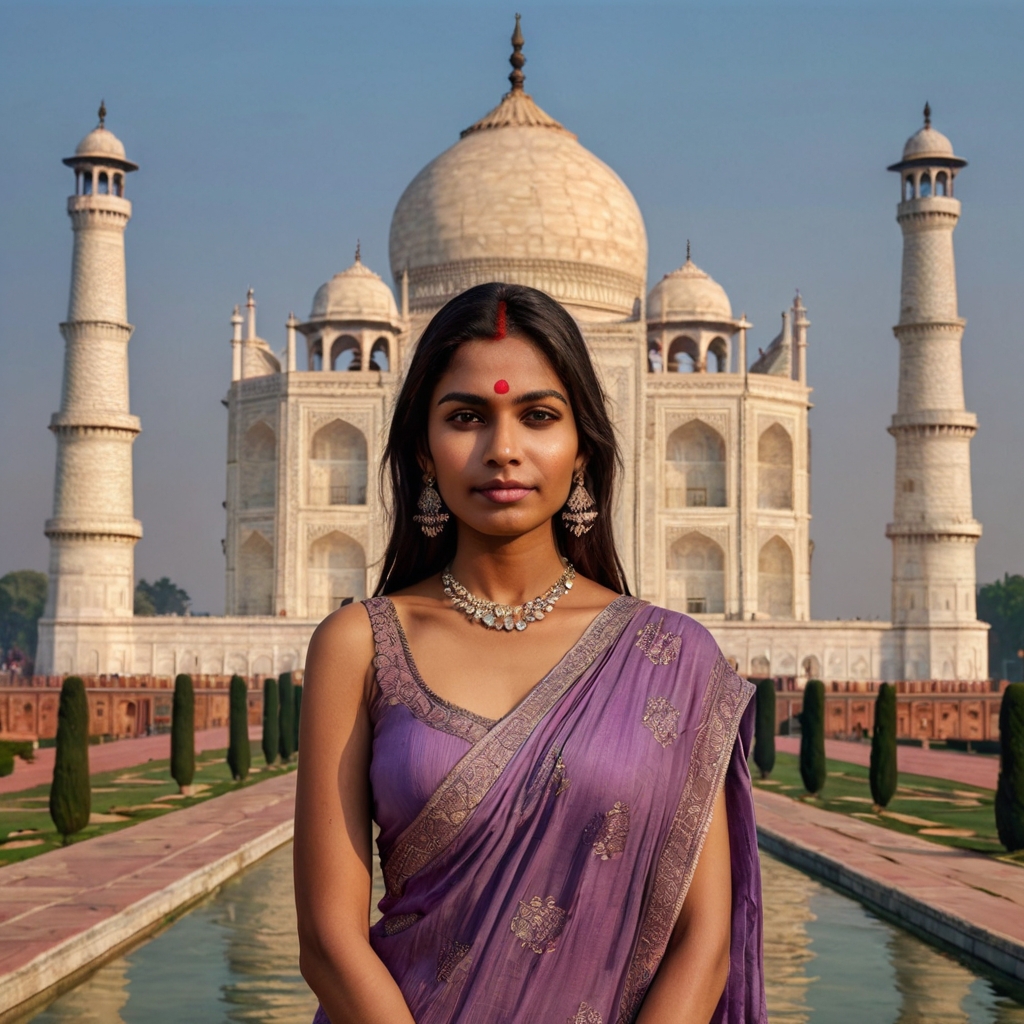
Pros:
High-quality, photorealistic image generation, user friendly, Effective with short, simple prompts, Custom AI model training capability, multiple sales of image generation, API access for developers
Cons:
Limited daily credits and editing on the free plan, Occasional issues with image quality
Canva AI Image Generator:
Integrated into Canva’s popular design platform, it produces high-quality images and seamlessly integrates with Canva’s vast library of design templates.
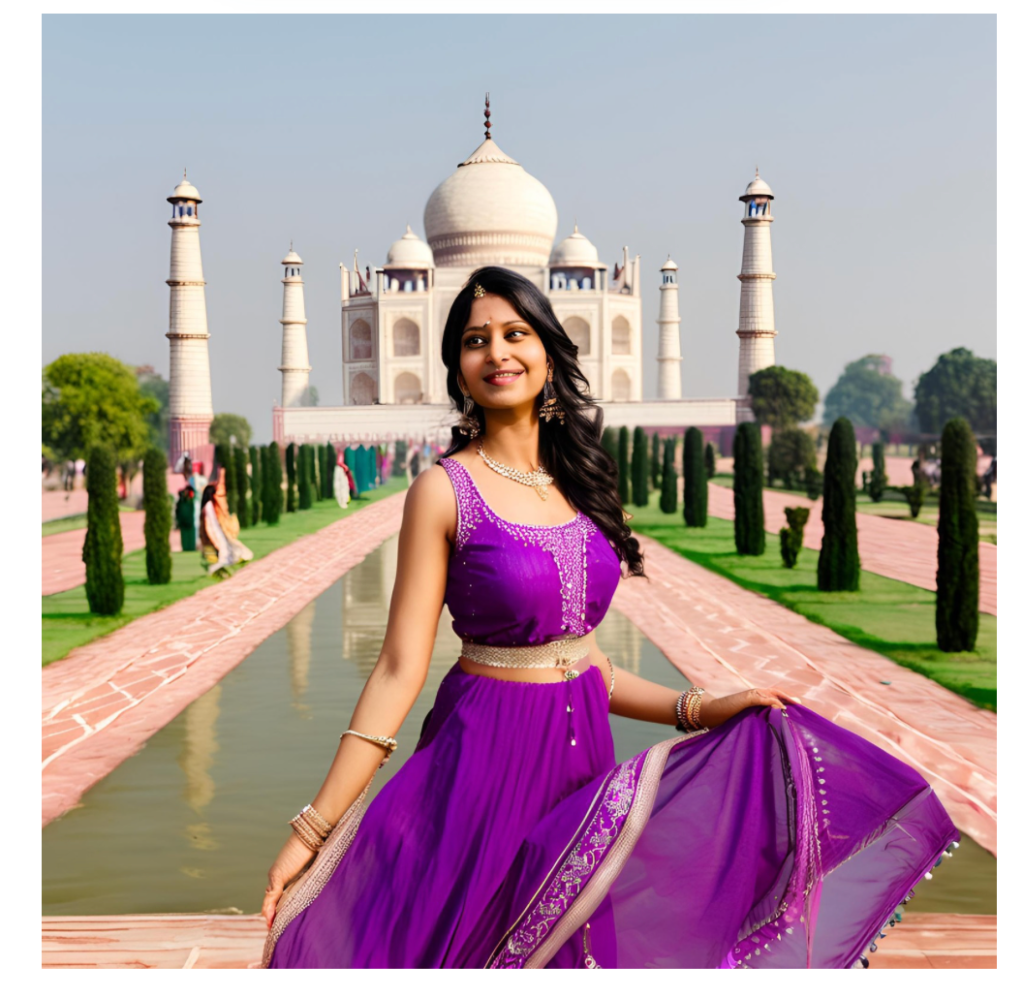
Pros :
User friendly, integrated with Canva design tools and editing templates
Cons :
Limited free credits, distorted images with anatomical inaccuracies, written text on images not accurate, low quality designs and images – especially in free version.
Adobe Firefly:
Adobe’s free web version of Firefly is user-friendly and produces excellent results. It’s designed to be safe for commercial use, as it’s trained on Adobe Stock images and openly licensed content. However, due to image quality, this one would be one of the least preferred on our list. Freakishly, scary image ; ).
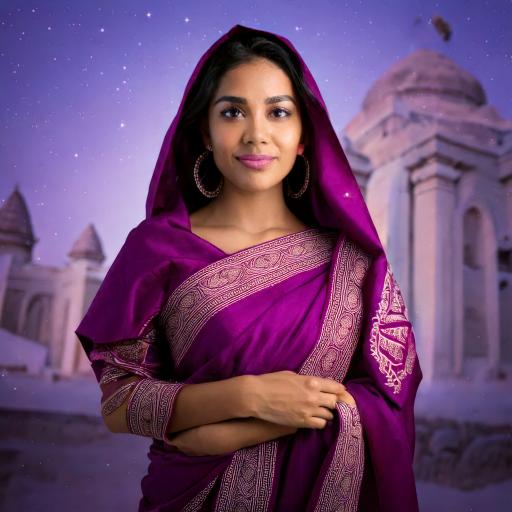
Pros :
Integration with other Adobe tools, image editing with generative fill, different aspect ratio
Cons :
Poor image accuracy if complex prompts are given, inability to create factual content, distorted features for human faces.
The best amongst the one we tried was Google’s ImageFX, although each App has its own limitations. As the technology continues to evolve, we can expect even more impressive and accessible tools for visual content creation in the future. But, for now, we have enough tools to do the basic image generations(non anatomical is perfect!) with limited hallucinations. Its become more real with each image.
Have you tried any of these Apps? Which one is your favorite?



 A Beautiful World!
One Comment Add yours